
Streacom's VU1 dials are lovely hardware in search of better software. The usual route involves an AIDA64 license or the original VU Server's web interface. The free VU1 Dial Controller replaces both with a proper Windows app.
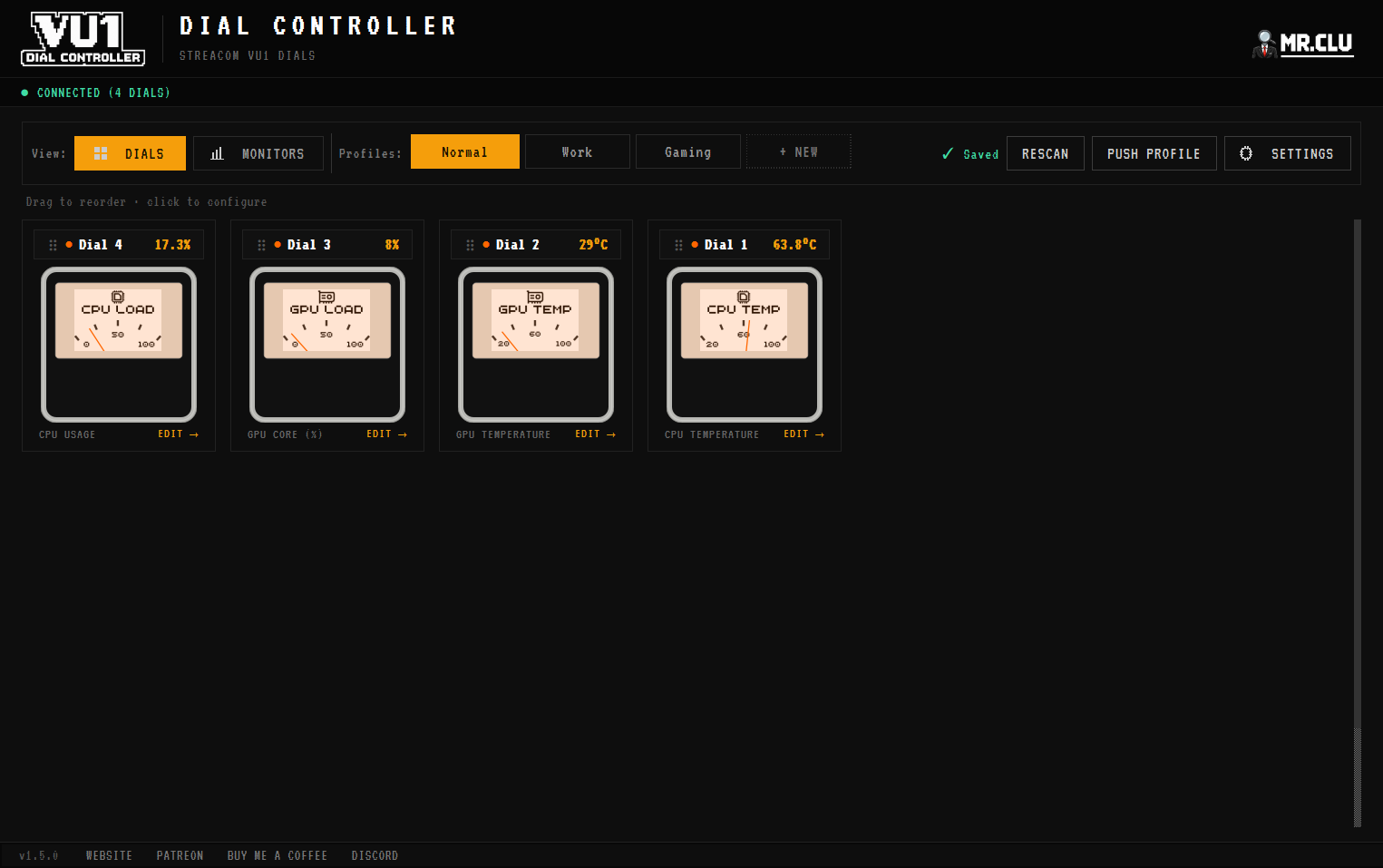
> Setup in three steps_
01 Connect the dials to the USB hub, and the hub to your PC.
02 Install VU1 Dial Controller. It talks to the hub over USB serial and auto-detects connected dials. No other software needed.
03 Assign a sensor to each dial with min/max ranges: CPU or GPU usage and temperature, RAM, disk, network, FPS.
⚠ One controller at a time. The app replaces the original VU Server (VUServer.exe). Running both together corrupts dial provisioning because they fight over the same COM port. Uninstall the VU Server; if your dials already show identical data, the reset steps are in the VU1 FAQ.
> Beyond monitoring_
- ■Audio VU meters: the needles follow your music via real-time FFT analysis. Full guide.
- ■Custom dial faces: put your own artwork on each dial's e-ink screen. How it works.
- ■RGB, profiles and rules: per-dial backlight colours, named profiles, and automation from sensor thresholds, processes or schedules.
The app runs in the system tray, autostarts with Windows, and its only network activity is the optional weather source. Temperatures and FPS want admin privileges.