
Free software for Streacom VU1 analog dials. Live system monitoring on real needles, FFT audio visualisation, RGB backlighting and custom e-ink dial faces. No AIDA64 license required.
 ■ Custom e-ink dial faces
⚠ Standalone application: uninstall the original VU Server
This replaces the original VU1 Server (VUServer.exe). Do not run both at once. They compete for the same COM port and can corrupt dial provisioning (all dials showing the same data, or only the hub responding). Already happened? The FAQ below has the exact reset steps.
Any sensor, on a real needle.
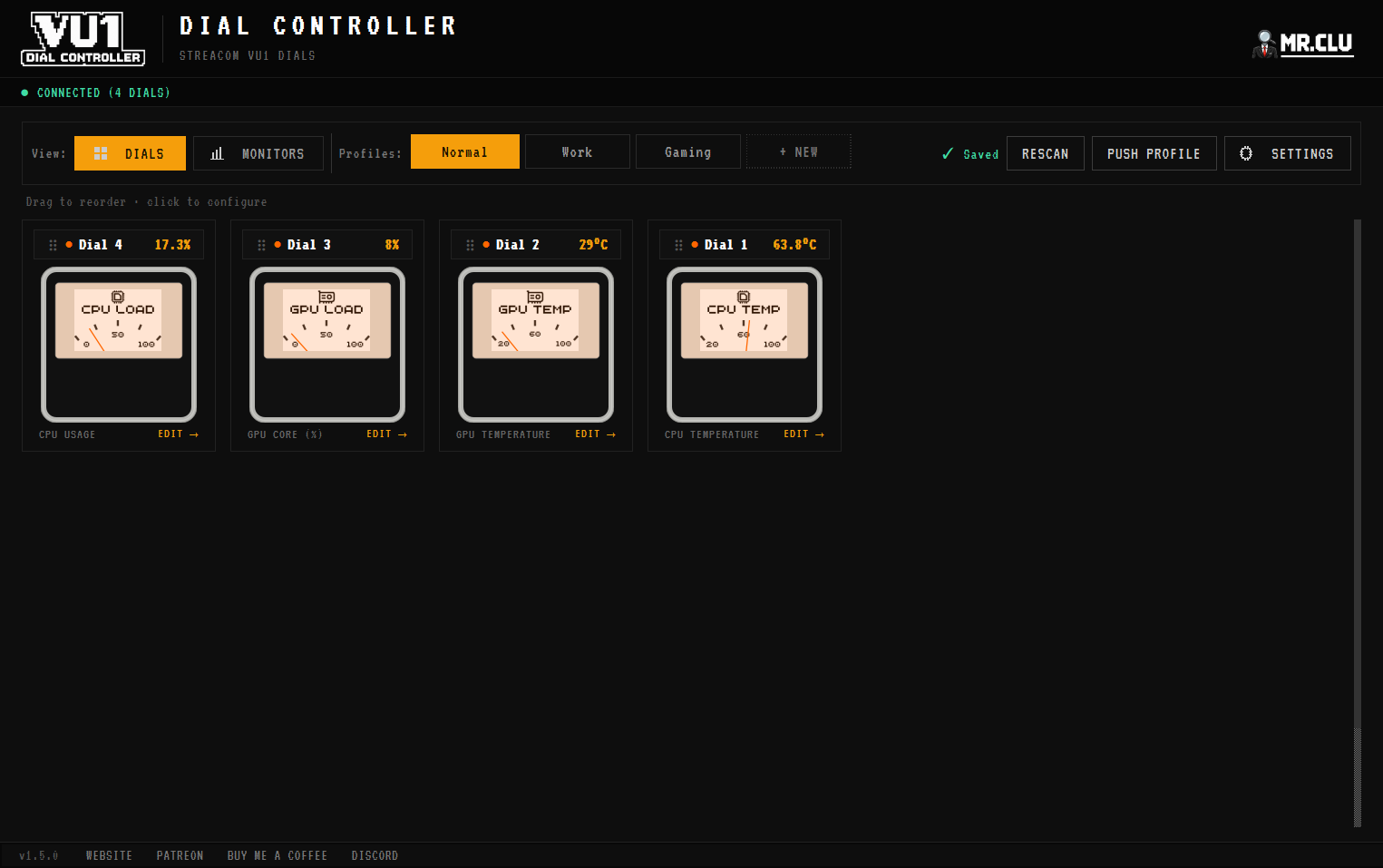
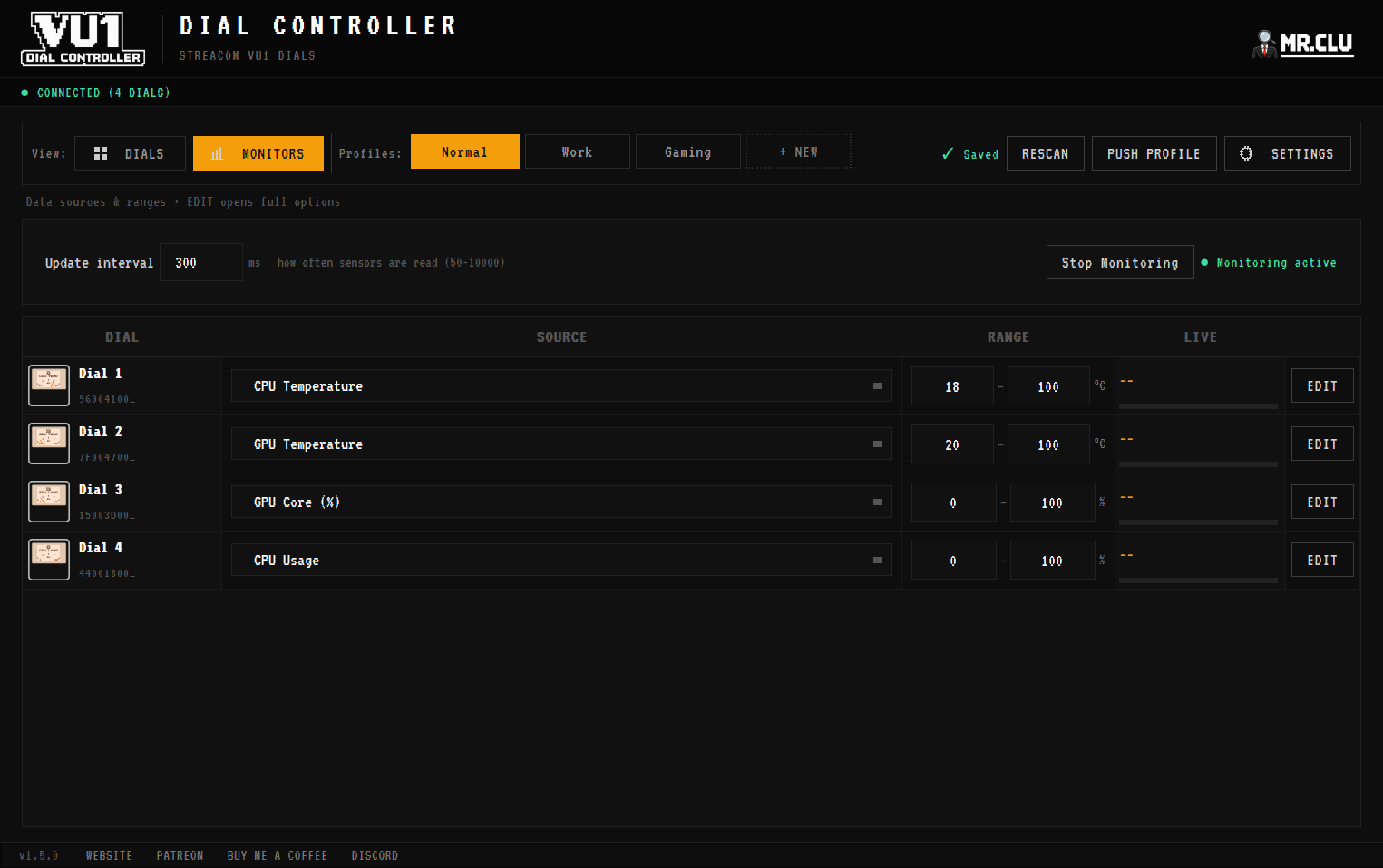
CPU and GPU usage and temperature, RAM, disk, network speed and FPS, all mapped to any dial with configurable min/max ranges. Needle position is readable from across the room.
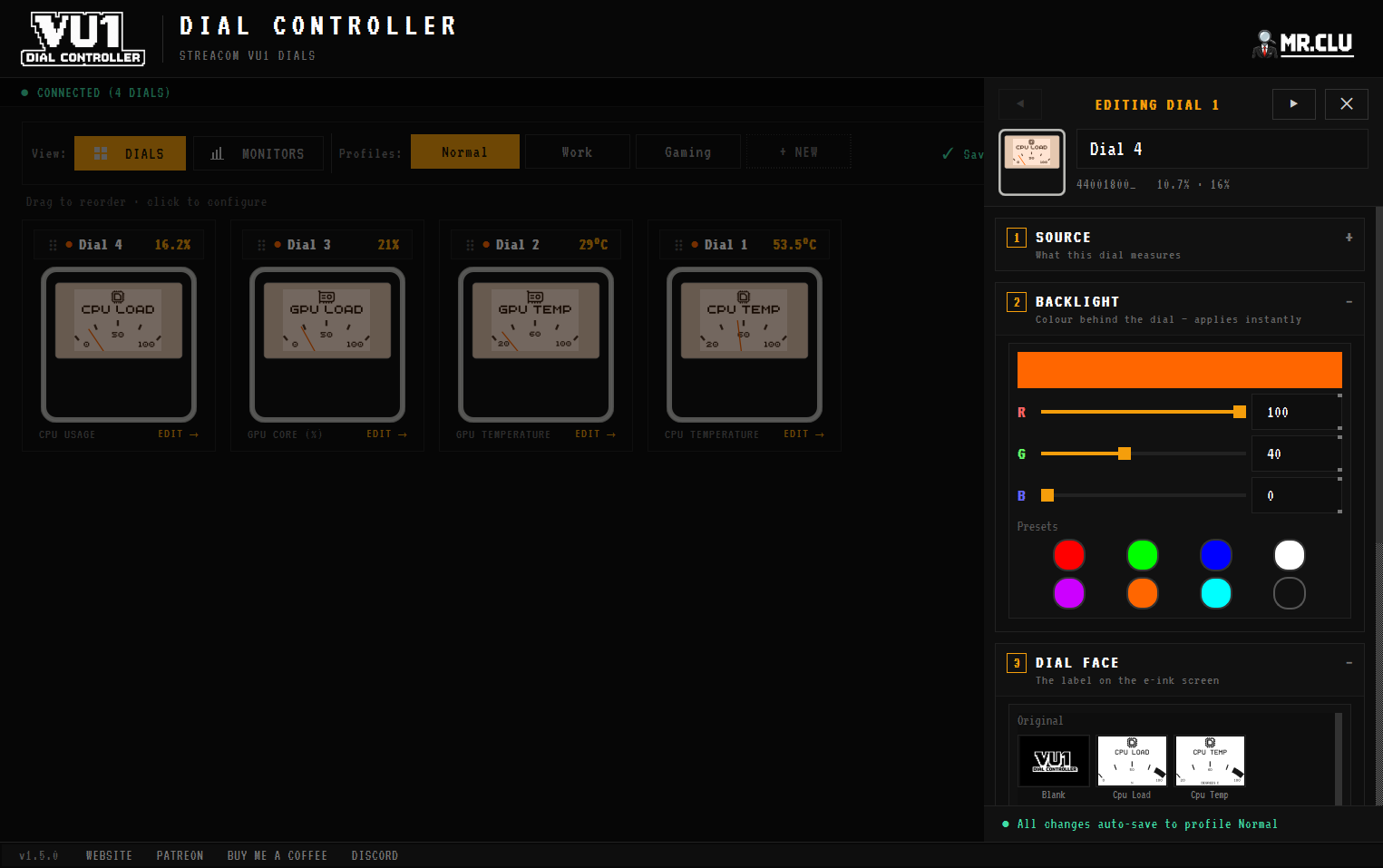
VU meters, RGB, your own dial faces.
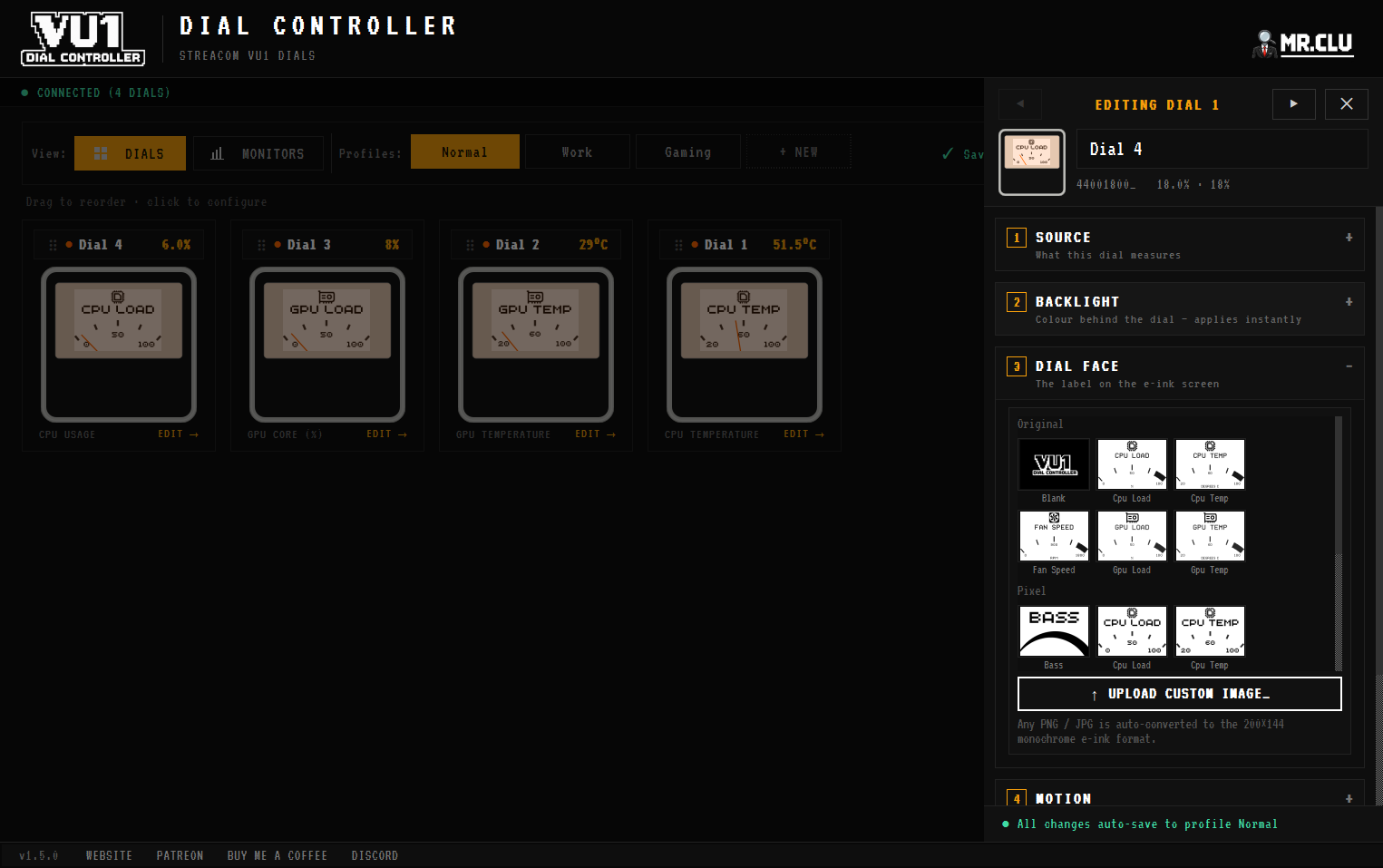
Real-time FFT audio analysis turns dials into a live VU meter: dedicate needles to bass, mid and treble. Set per-dial RGB backlight colours, and upload any PNG or JPG to the 200×144 e-ink face. Conversion to monochrome is automatic.
Profiles, rules & a quiet tray icon.
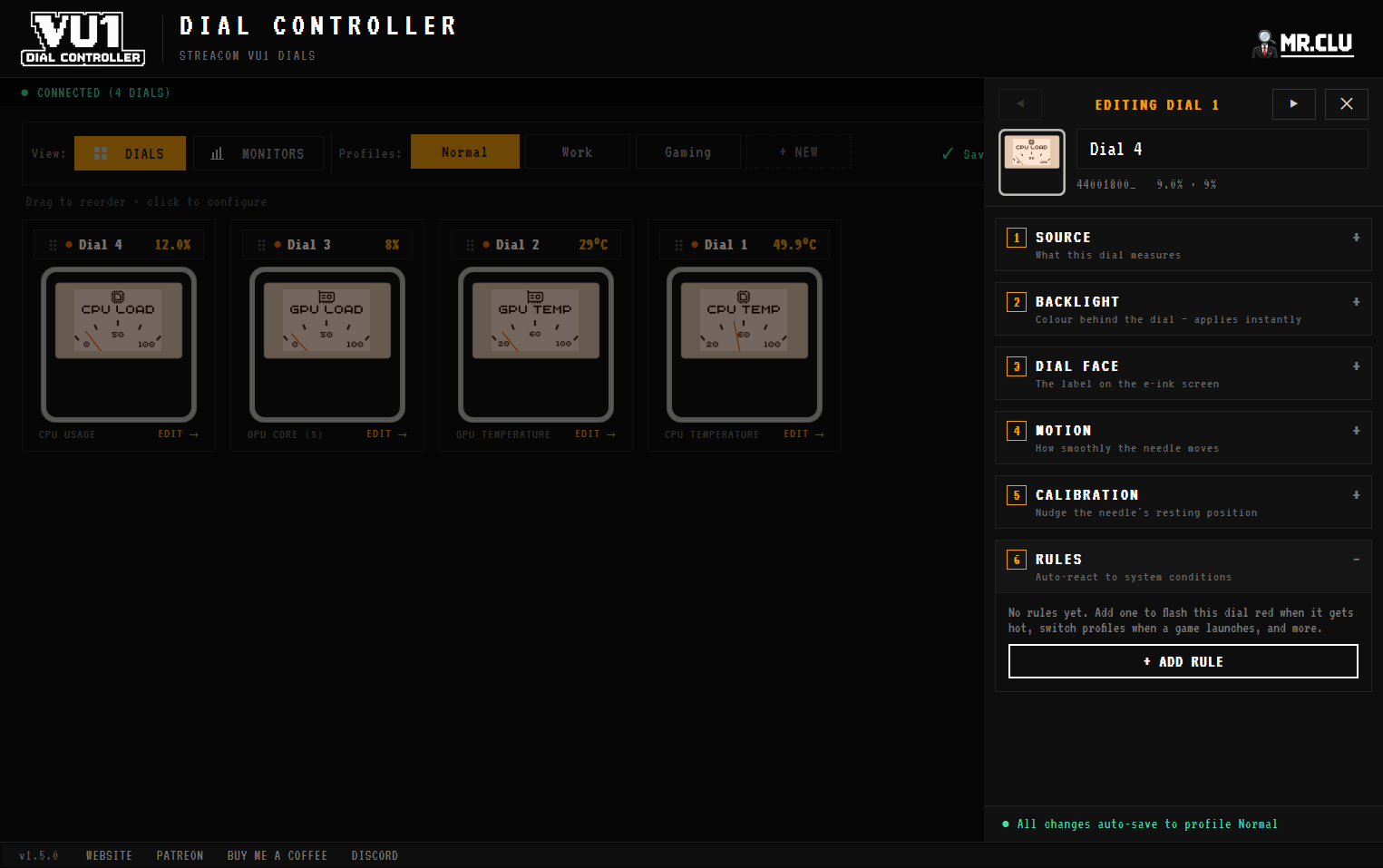
Save named profiles per use-case and automate them with rules: sensor thresholds, running processes, window titles or time schedules. Runs in the system tray, autostarts with Windows. Optional weather is the only network activity.
> Requirements_
- ■Windows 10 or 11 (64-bit)
- ■VU1 dials connected via the USB hub
- ■.NET Framework 4.7.2+ or .NET 6+ Desktop Runtime
- ■Admin privileges recommended for temperatures and FPS
⚠ SmartScreen warning expected. The app does not yet have a code-signing certificate. Check that you downloaded it from mr-clu.com before deciding whether to proceed.
[ FAQ ]
This happens when the VU1 Dial Controller and the original VU Server ran at the same time and corrupted provisioning. Reset it: 1. Disconnect ALL dials and the hub 2. End VUServer.exe AND the VU1 Dial Controller in Task Manager 3. Connect ONLY the hub, run just the VU Server (localhost:5340) and verify only the hub is listed 4. Reconnect dials one at a time, clicking "search for new dials" after each 5. When all four show independently, close the VU Server and reopen the VU1 Dial Controller We recommend uninstalling the VU Server so it can’t happen again.
Yes. That’s the same provisioning corruption from running both apps at once. Follow the reset steps above, then switch back to the VU1 Dial Controller.
Connect the dials to the USB hub, connect the hub to your PC, install VU1 Dial Controller. No other software required. It talks to the hub over USB serial and auto-detects connected dials.
Close other apps that scan COM ports (like SignalRGB), reconnect the USB hub, and check Device Manager for COM port assignments.
Yes. Upload your own image or pick a built-in design; it’s sent straight to the dial’s e-ink display. Common formats up to 20 MB, auto-converted to 200×144 monochrome.
Give your dials a better brain.
Free and standalone, no AIDA64 license needed. See the changelog for public release details.
v1.5.0 • changelog • setup guide
Before opening an installer, check the release file and SHA-256. Code signing is planned when funding allows.