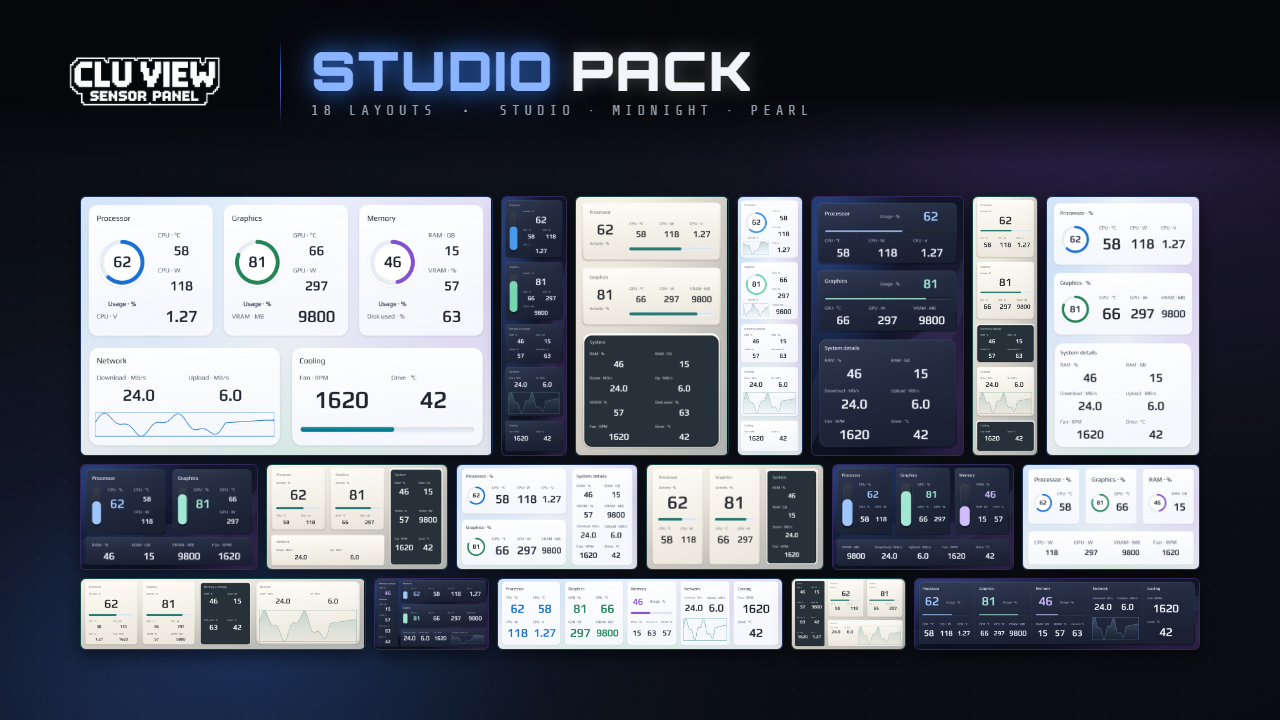
Studio
Light Studio layouts, dark Midnight panels and warm Pearl surfaces. Six screen sizes, including portrait and ultrawide layouts. Reviewed against CLU VIEW 2.0.2; see the pack post for compatibility details.
View pack on PatreonImport one into CLU VIEW and point it at your sensors. The built-in store has free layouts for desk panels, 1920×480 ultrawides and portrait strips. The packs below add more.
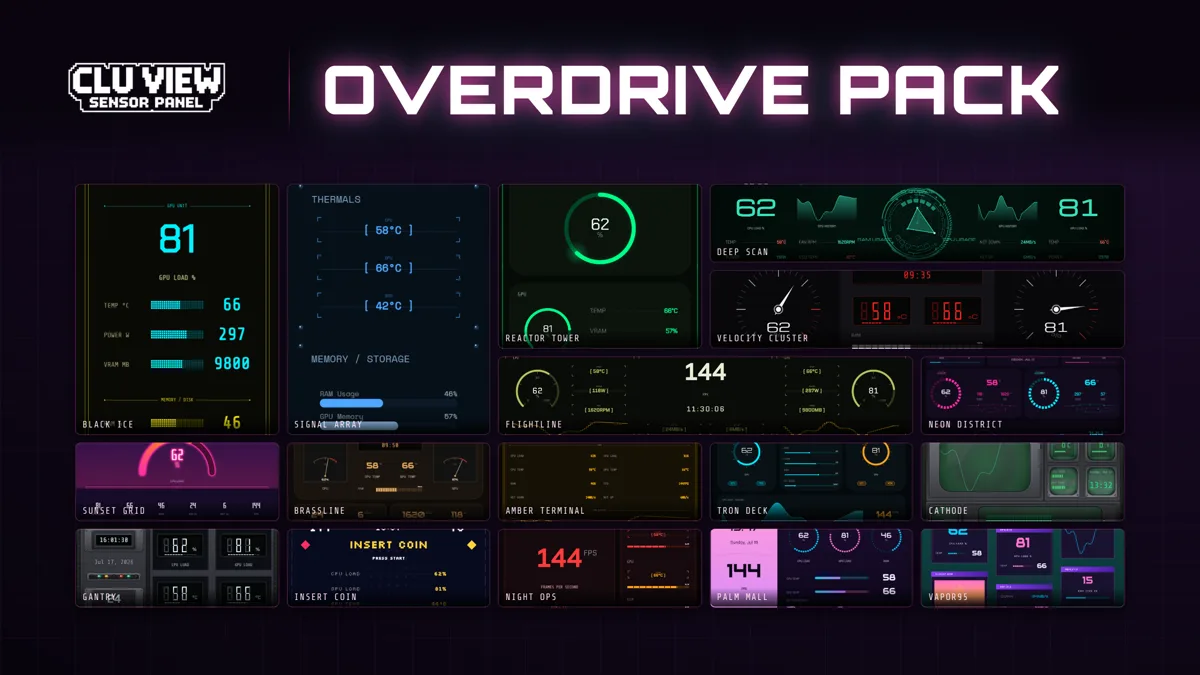
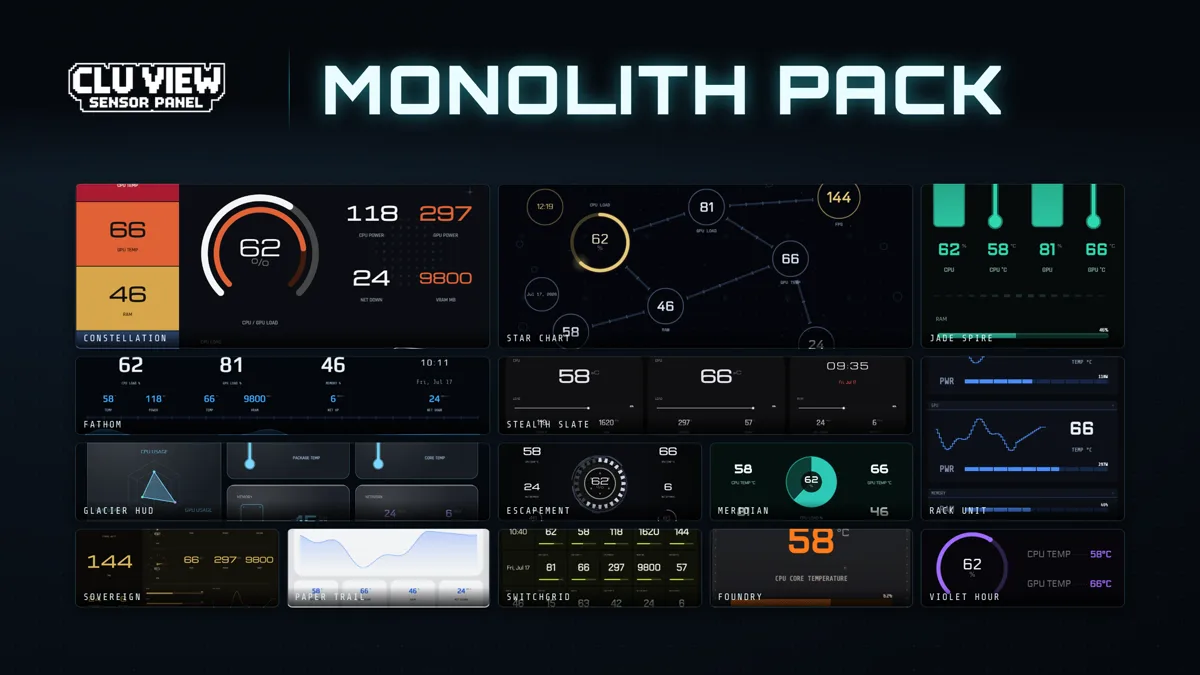
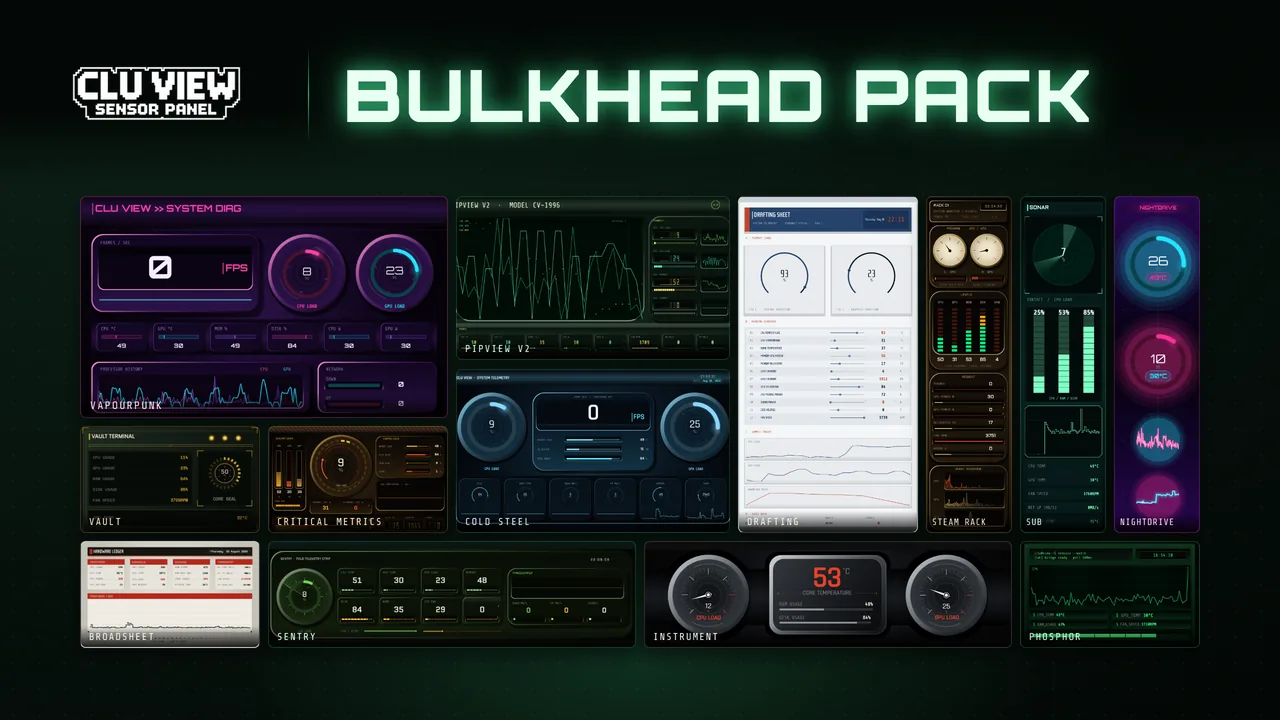
14 layouts for CLU VIEW 2.x, including Glacier HUD and Star Chart. It's free to anyone who joins the Mr.Clu Discord server, and you don't need a Patreon membership for it.
Get Monolith on DiscordMembership includes these template and widget packs. You can also buy individual packs on Patreon; each product page shows its purchase options and current price.
Light Studio layouts, dark Midnight panels and warm Pearl surfaces. Six screen sizes, including portrait and ultrawide layouts. Reviewed against CLU VIEW 2.0.2; see the pack post for compatibility details.
View pack on Patreon
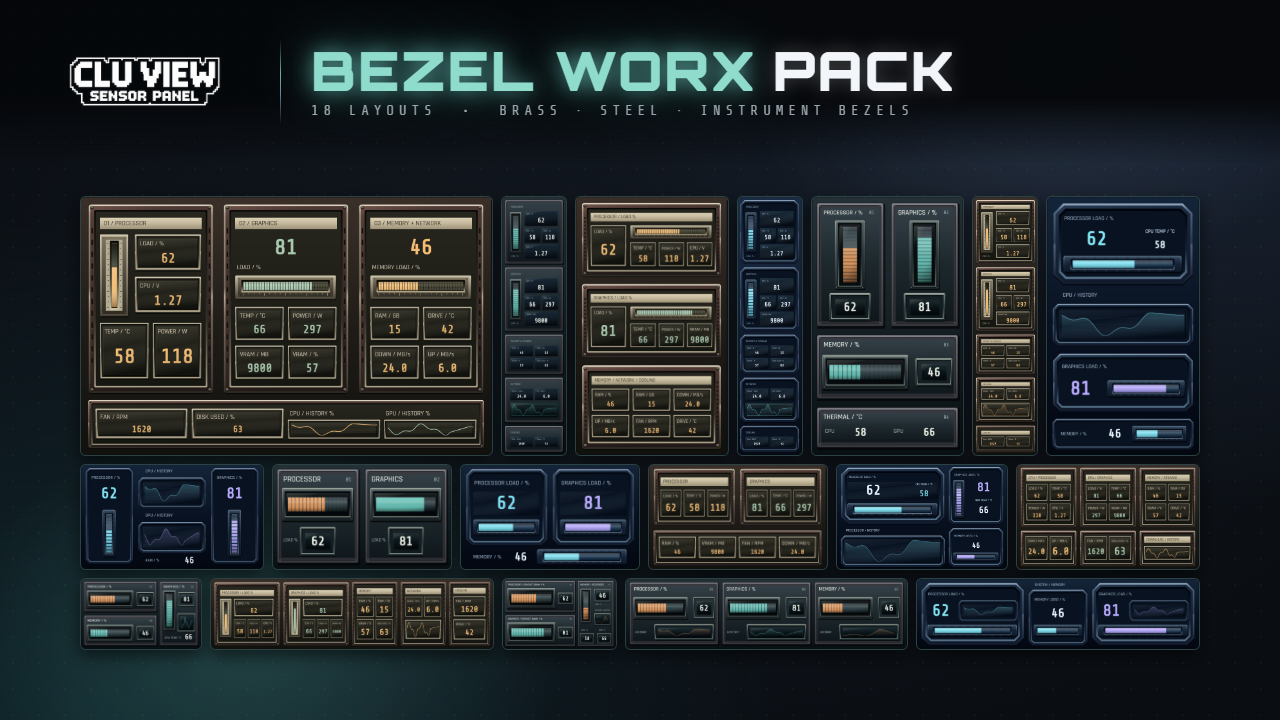
Graphite, Orbital and Relay instrument panels with recessed meters and layered metal surfaces. Six screen sizes, including portrait and ultrawide layouts. Reviewed against CLU VIEW 2.0.2; see the pack post for compatibility details.
View pack on PatreonIndustrial panel layouts for CLU VIEW 2.x. Open the pack to check the included resolutions.
View pack on Patreon
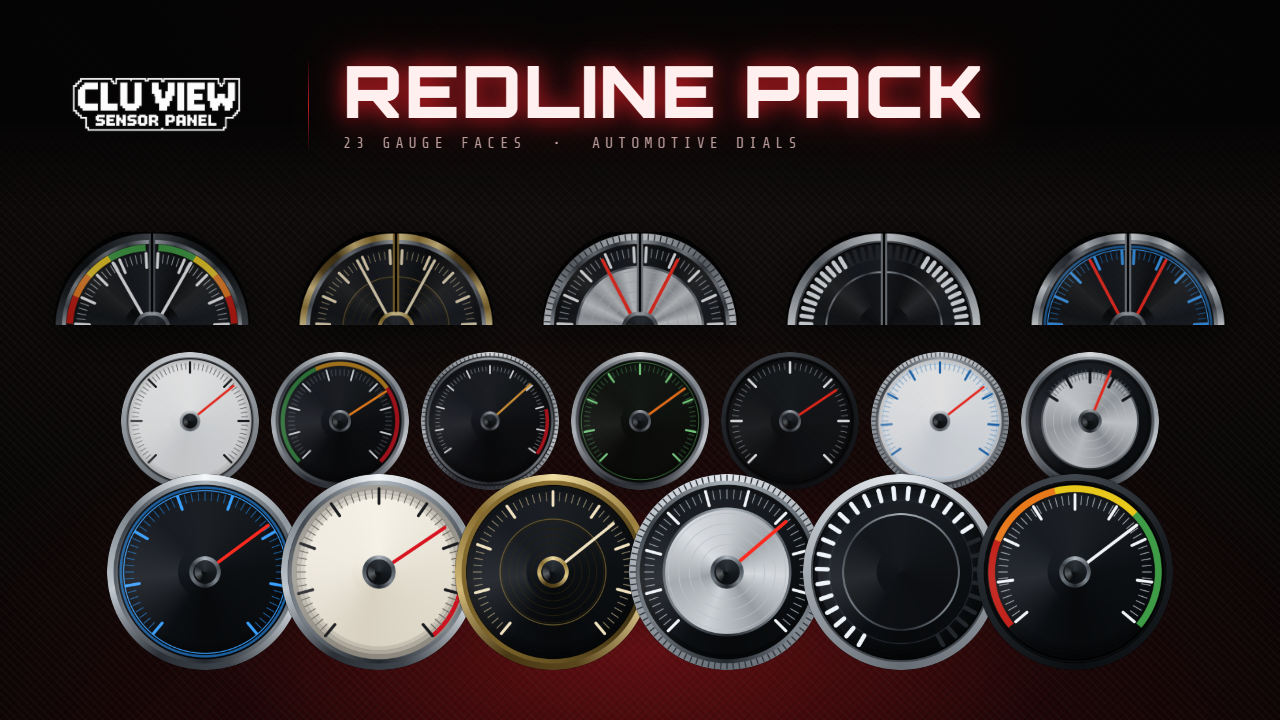
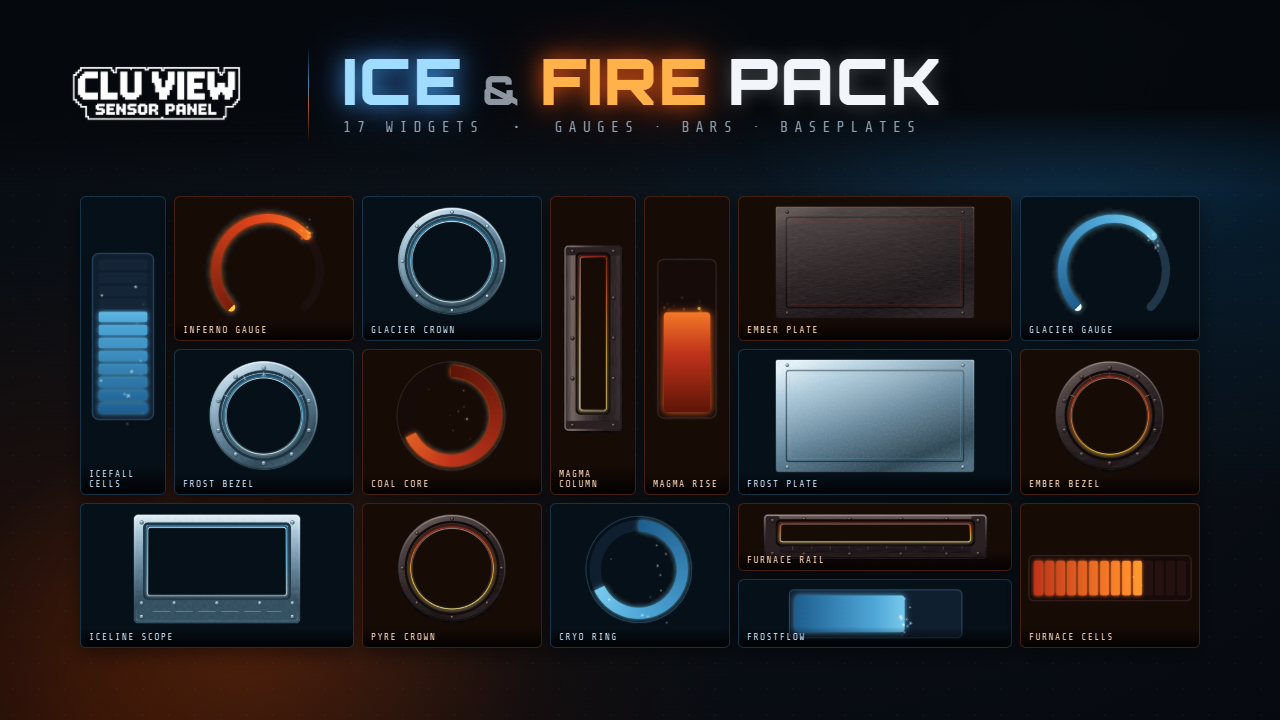
Dials for building your own dashboard. These are widgets to arrange on your canvas.
View pack on PatreonEverything published in CLU VIEW’s built-in store, read from the same catalogue the app reads. Free community items install from inside CLU VIEW. Linked packs open on Patreon or Discord. Ratings and download counts below apply to items distributed by this store.
Loading the community store…
Share your layout with every CLU VIEW user. A moderator reviews each submission, then it goes live for free in the template store built into the app, ready to browse and install in one click. Community layouts are in there already, alongside ours.
⇧ Submit a templateNo account needed · no email collected · read the submission rules first
Download CLU VIEW free for Windows 10/11, if you don't have it yet.
In CLU VIEW, open the Profiles bar → Import → pick a template. It loads straight onto your canvas.
Make it yours: swap sensors, recolour, resize. Each one is a starting point, not a cage.
If you came here searching for AIDA64 SensorPanel templates, these import into CLU VIEW in one click. No AIDA64 license needed. Full story in the templates guide.