
Most people searching for "AIDA64 SensorPanel templates" don't actually want AIDA64. They want a good-looking hardware dashboard without building it widget by widget. CLU VIEW templates are finished sensor panel layouts you import in one click, then point at your own hardware.
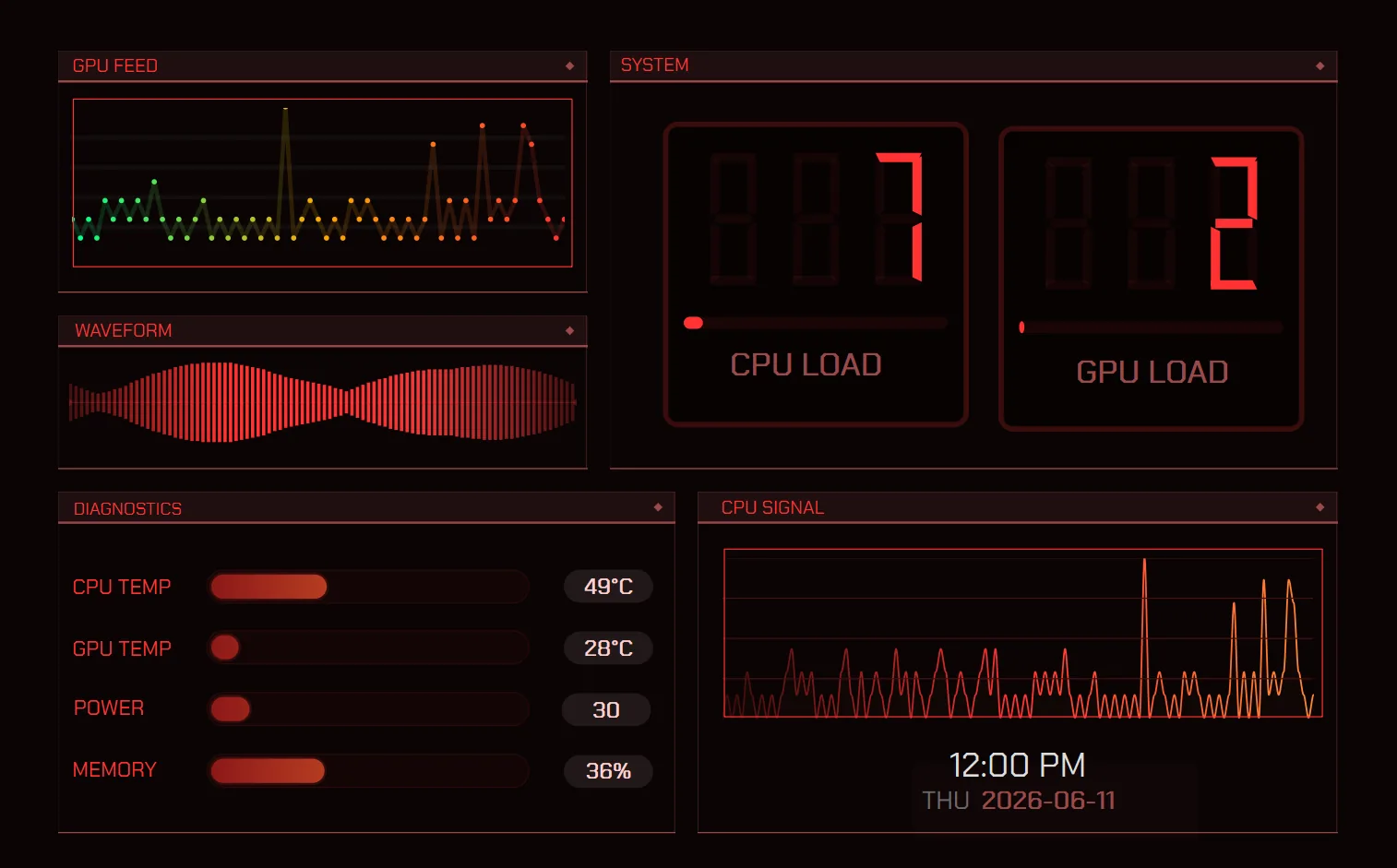
> What a template actually is_
A template is a saved CLU VIEW profile: every widget, style, effect and layout decision packaged into one file. Import it and the whole dashboard lands on your canvas, gauges already wired to CPU and GPU, plus the graphs, labels and backgrounds that came with it. From there you swap sensors to match your hardware, then recolour and resize until it fits your screen.
> Start with the free ones_
CLU VIEW's built-in template store has free layouts, ours and other users'. Split Flap fits 1920×480 ultrawides, Substation and Side Street fit narrow portrait panels, Sector and Gearworks fit 1280×800. A free widget pack too.
> Free layouts and the member library_
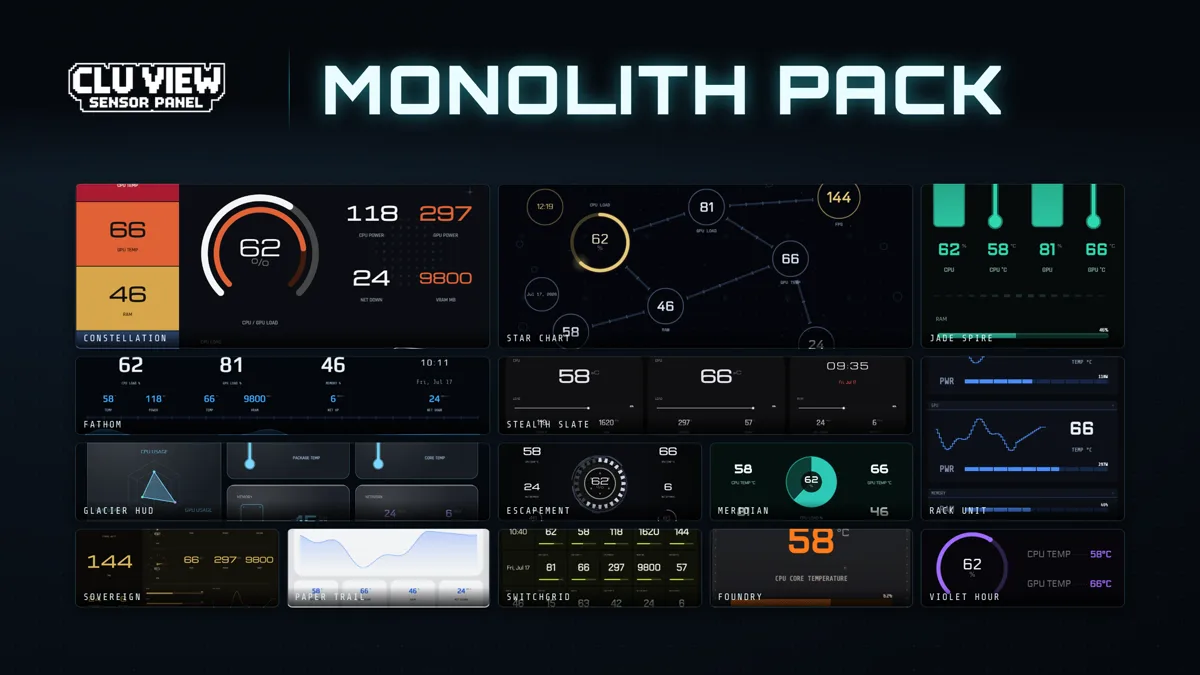
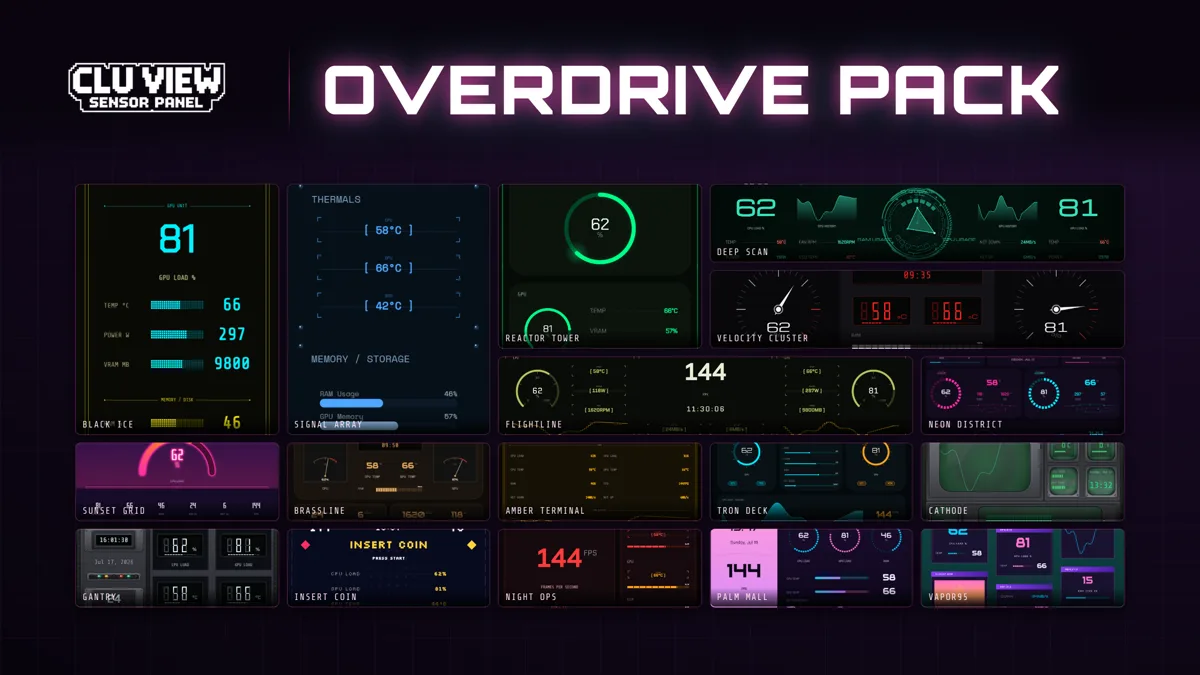
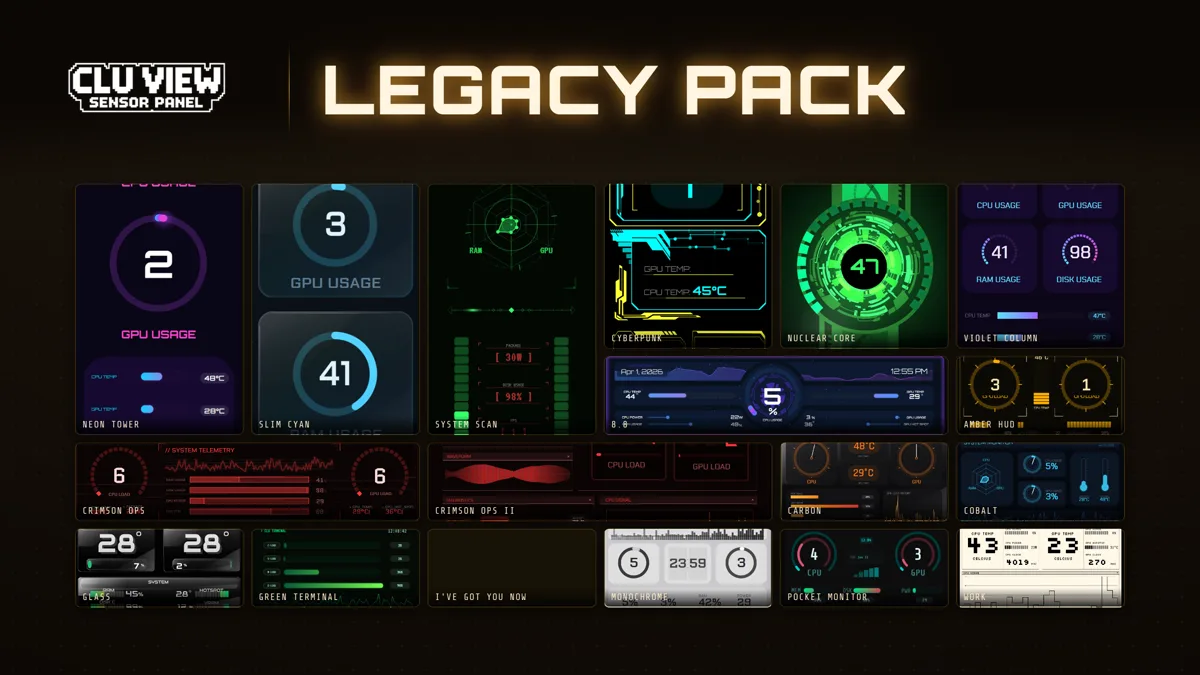
Monolith (14 templates) is free for members of the Discord server: star charts, glacier HUDs, foundries, stealth slates. Overdrive (17, for 2.x) and Legacy (18, for the older 1.4.x app) are available through Patreon: neon cities, retro terminals, tactical ops layouts, vertical towers, ultrawide strips, and the 8.8″ design sized for Lian Li ultrawide screens. Studio and Bezel Worx each add 18 layouts and matching widget components, reviewed against CLU VIEW 2.0.2. Check the pack posts for compatibility details. Bulkhead adds 15 templates for 2.x; Redline and Ice & Fire add widgets for your own layouts. These are available through membership or individual purchases. New drops arrive when ready.
> How to import one_
Download CLU VIEW (free, Windows 10/11) and run it.
Open the built-in Template Store and pick one of the free layouts. Nothing to join. For more, grab Monolith on Discord (free) or member packs on Patreon.
Open the Profiles bar → Import → select the template file. It loads straight onto your canvas.
Swap any sensor to your hardware, recolour and resize, then hit Panel Mode to send it to your screen.
These layouts are CLU VIEW profiles, so they need CLU VIEW to open. If you have not settled on an app yet, the comparison of best free sensor panel software puts it against AIDA64, the HWiNFO and Rainmeter stack, Libre Hardware Monitor and InfoPanel, with prices. The template packs page lists what is in each pack.