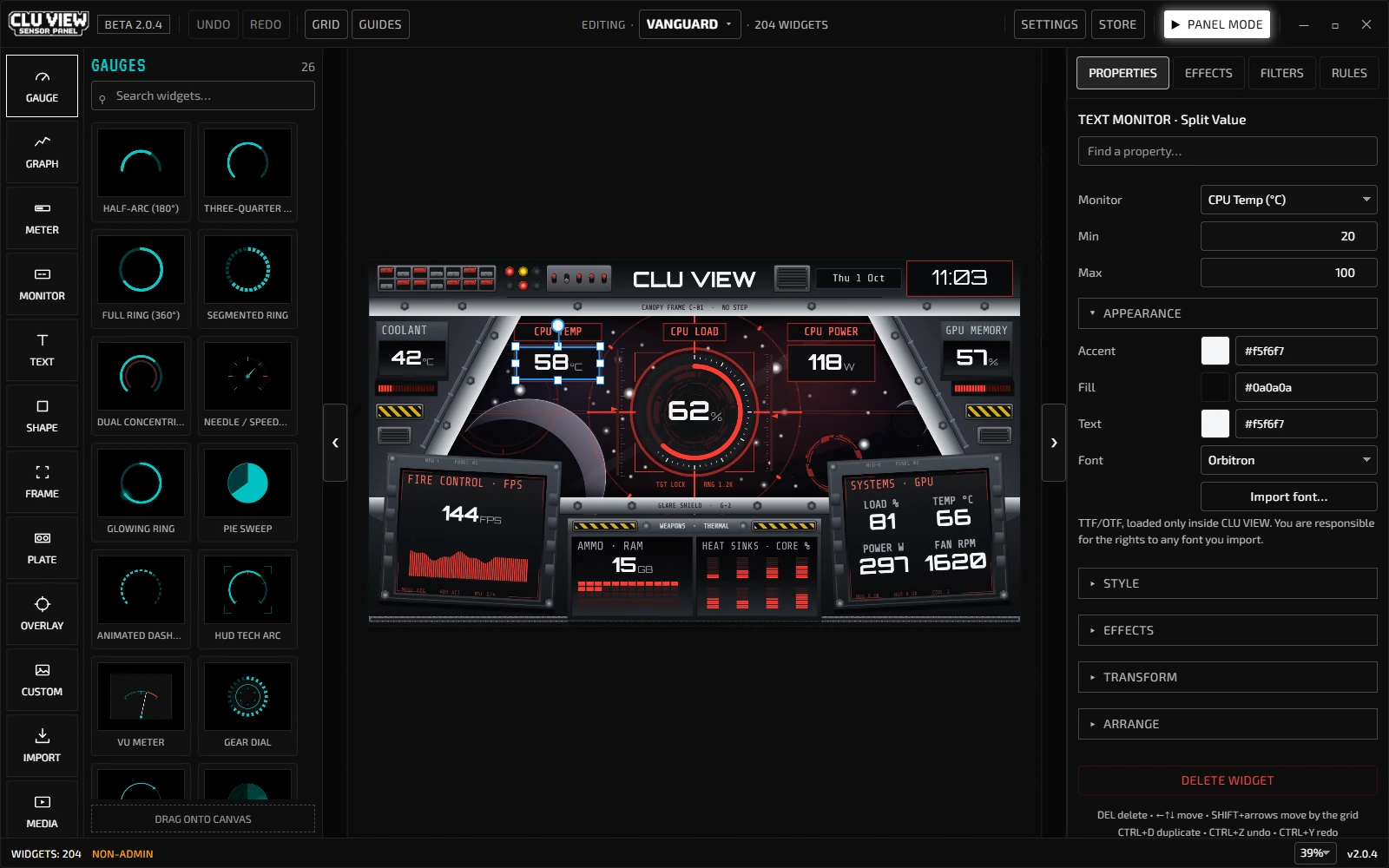
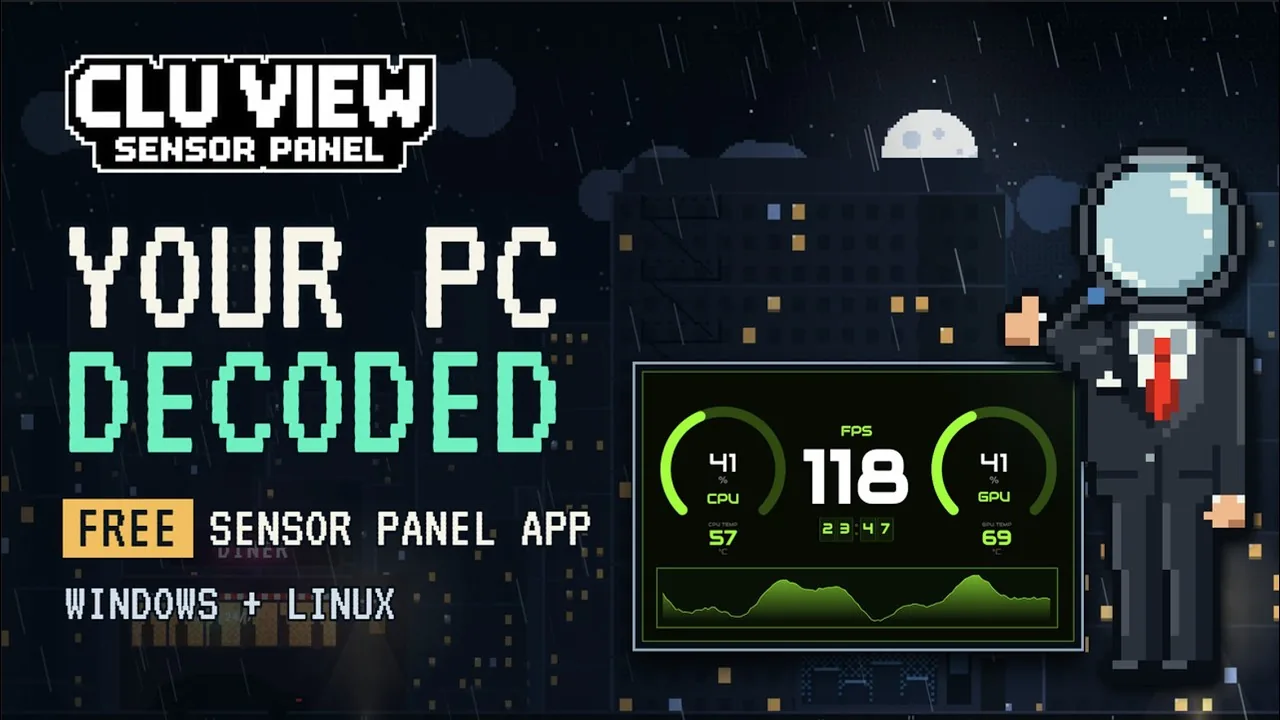
One app instead of a stack. CLU VIEW reads the sensors itself and draws the dashboard, so there is no HWiNFO to wire up and no skin files to edit. Drag widgets where you want them, then display the panel on a second screen or in-case monitor. Direct USB output is experimental and depends on the screen revision.
Vanguard shown in the editor. The app and its starter templates are free.
 ■ 11 full-screen filters
Make widgets from your own images
Use separate images or a sprite strip to build a gauge that responds to live sensor readings. Follow the custom widget tutorial ›
Set up CLU VIEW on Linux
Read about Linux sensor support and display options, then follow the package-by-package installation guide.
14 widgets, 216 styles, zero code.
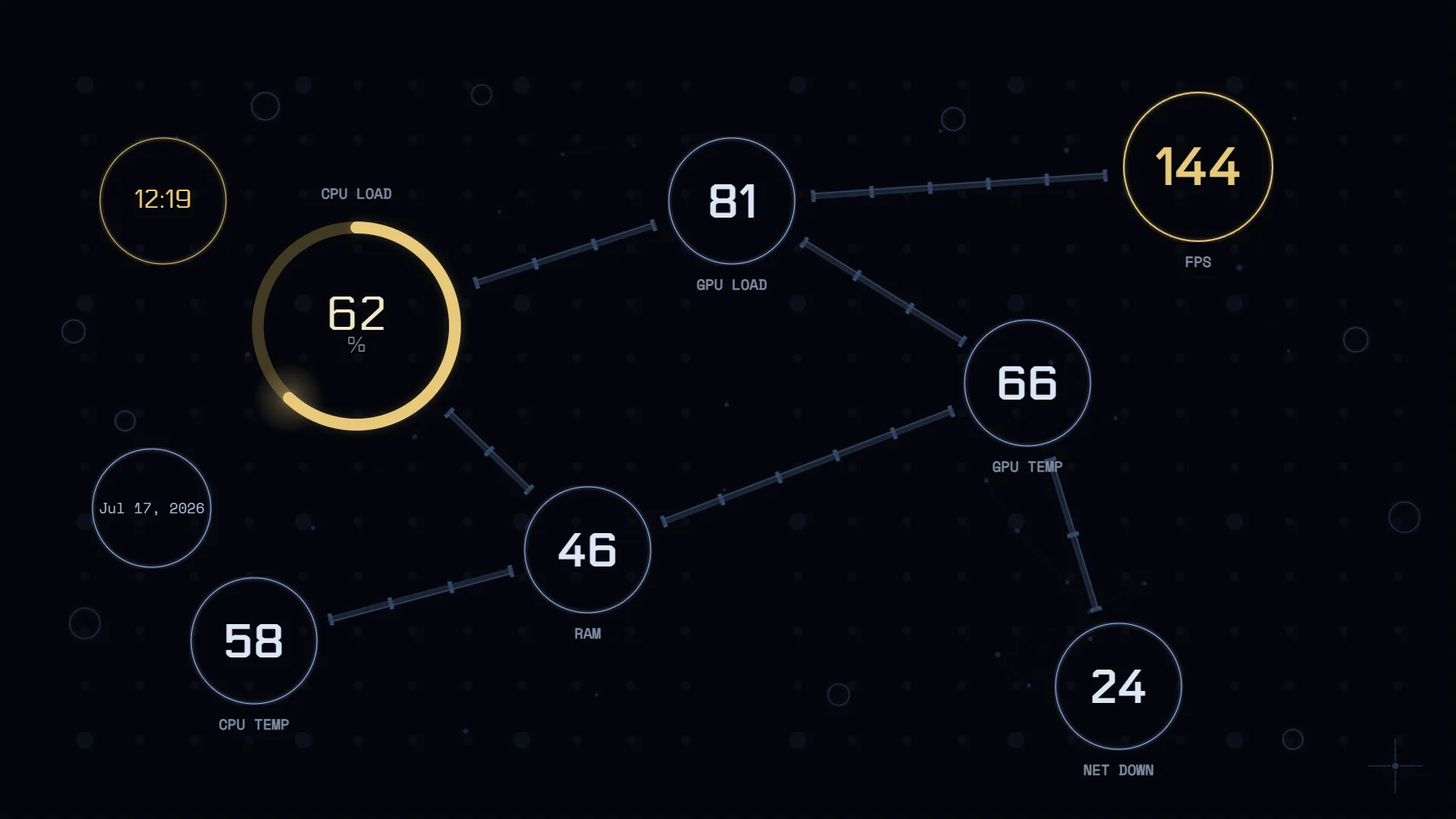
Gauges, rings, bars, line graphs, text monitors, HUD frames, image overlays and more on a freeform canvas, with multi-select, group editing, undo/redo, zoom and pan. Every widget takes accent colours, fonts, borders, gradients and opacity, and you can bind any of them to whatever sensor your hardware reports rather than a preset list.


Fully customisable with effects and filters.
19 per-widget effects (glow pulse, scan lines, glitch, data rain, neon buzz) plus 11 full-screen post-processing filters: CRT, chromatic aberration, pixelation, screen bulge.


CLU VIEW Community Store
Browse, install and rate templates without leaving CLU VIEW. Filter by colour, tag or collection, then sort by best fit for your canvas so you aren't guessing which layout suits your screen.
Widget packs install the same way: downloadable widgets, including animated ones, rendered from pack data. Packs contain widget data and images that you can import into your own layouts.
A panel that reacts on its own.
Rules watch your sensors, running apps, the active window or the time of day, then pulse a widget, change its accent colour or switch profiles. Pulse the CPU gauge red past 85°C, or swap to your gaming layout the moment a game launches. Dim the panel at night.
Save up to 50 profiles with instant switching, then export them and share in the Discord.

Choose how to display your panel.
In-case & secondary displays
Panel Mode renders full-screen on any display Windows can see: spare monitors, Lian Li 8.8″ ultrawides, HDMI panels from WOWNOVA, Lamptron and generic IPS screens.
USB smart screens EXPERIMENTAL
Streams your layout over USB to Turing 3.5″, XuanFang 3.5″ & Flagship, and 5″/7″ panels. 320×480 up to 600×1024, auto-detected, portrait or landscape. Report quirks in Discord.
Desktop overlay
Transparent background mode floats widgets straight on your desktop, no dedicated screen needed.
> Don't start from a blank canvas_
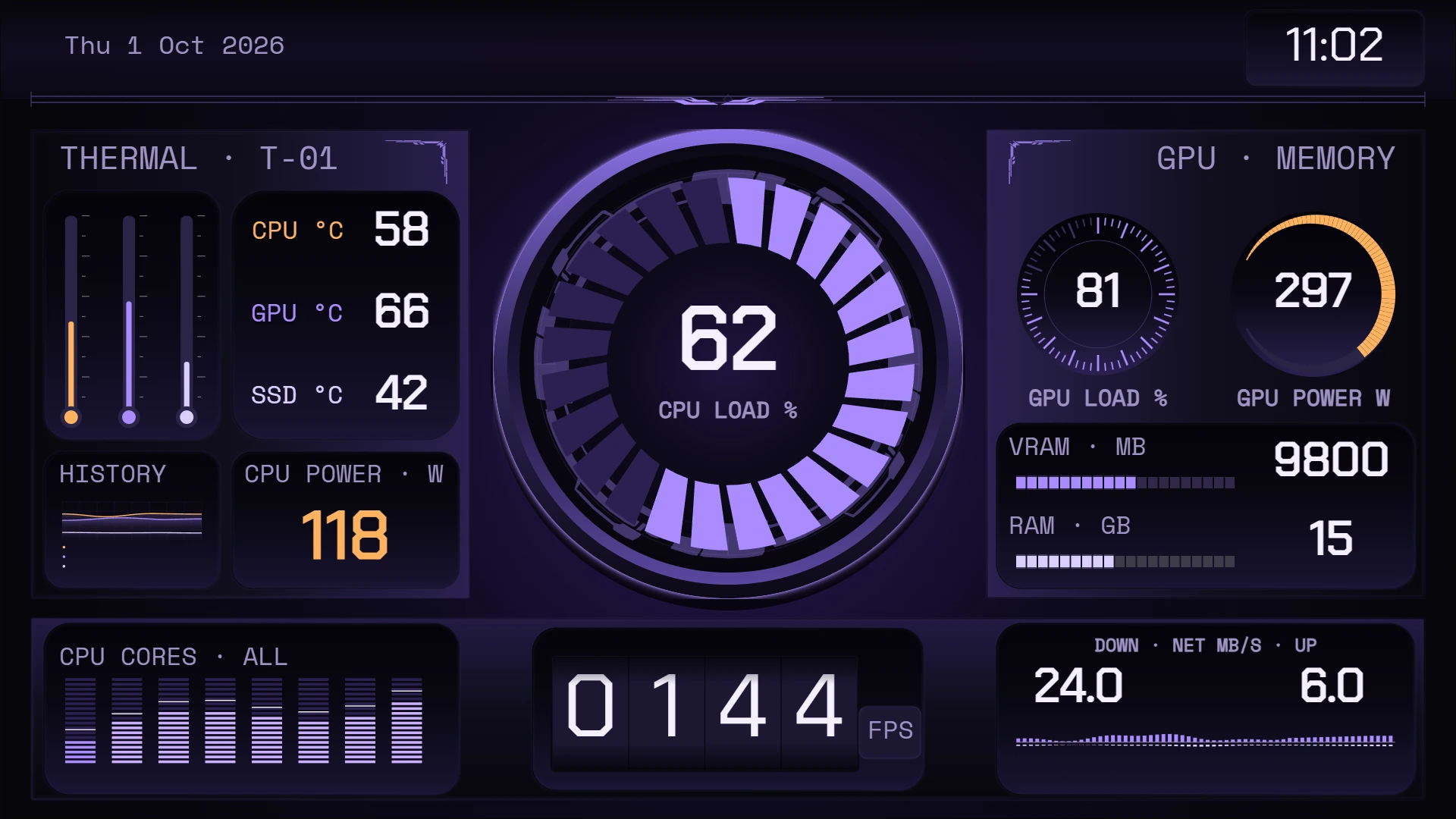
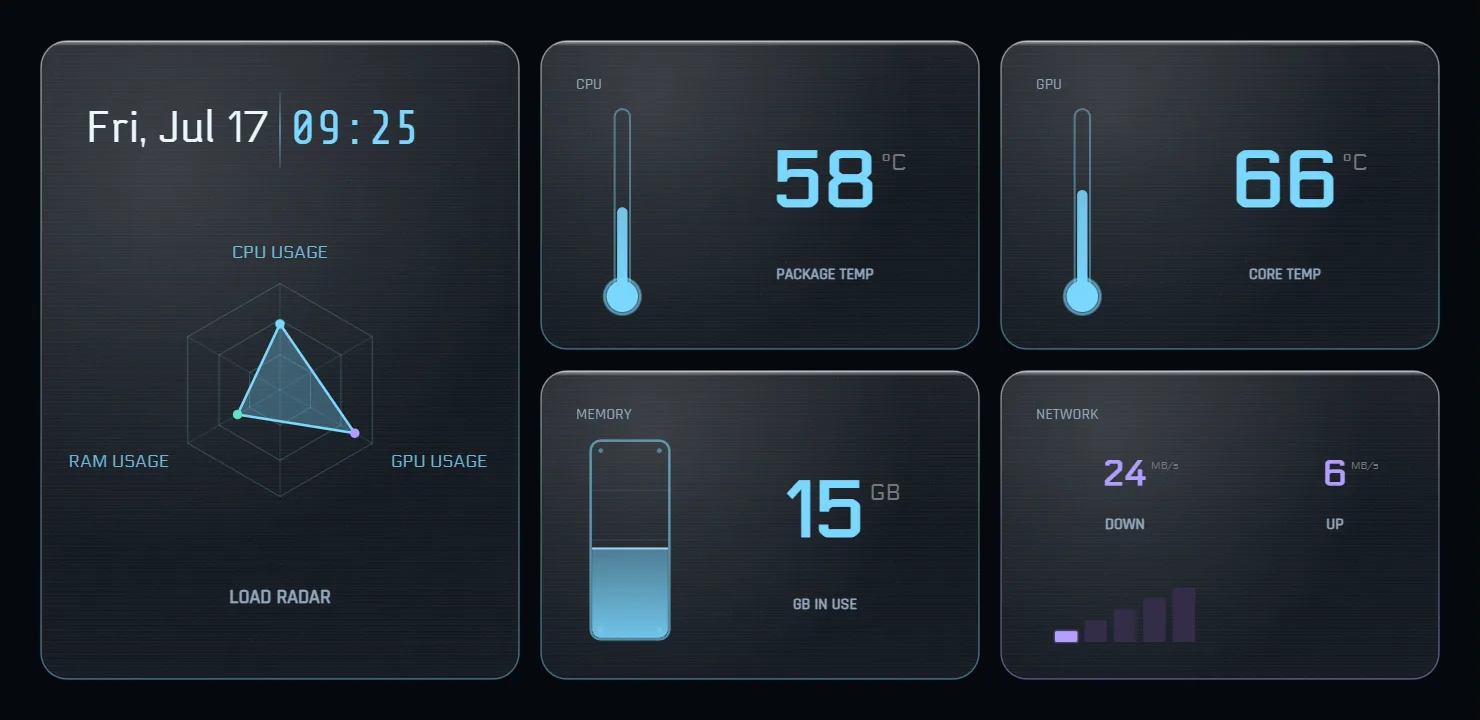
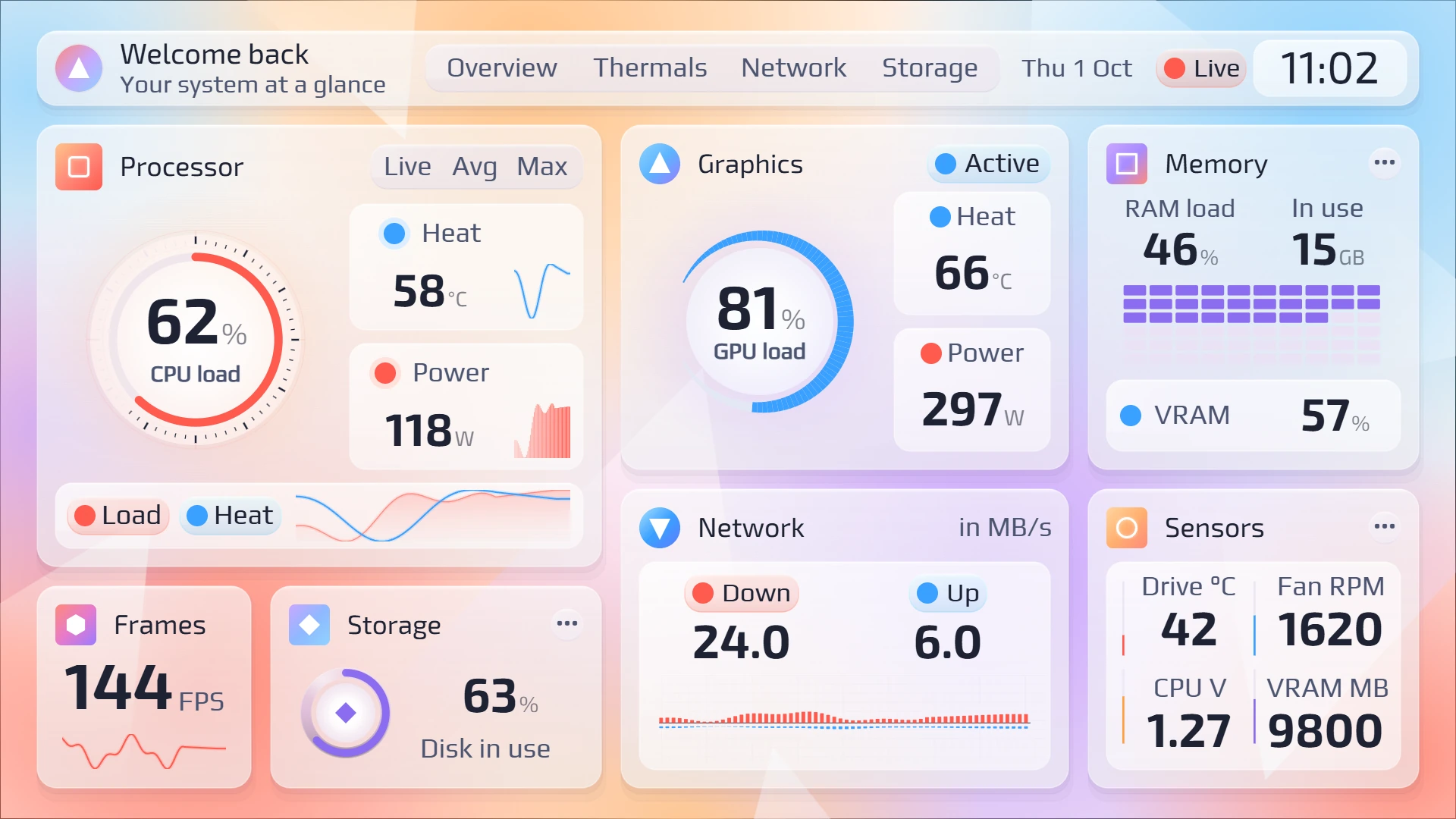
Start free with the 14-template Monolith Pack through Discord. Studio and Bezel Worx each add 18 layouts with matching widget components. Browse these alongside Bulkhead, Overdrive, Redline and Ice & Fire, and check each pack's compatibility before importing. Legacy templates were made for 1.4.x and may need adjustments in the current app.
> Sensor panel options compared_
There are several ways to build a sensor panel on Windows. Pick what fits your setup.
Our comparison guide explains the setup and documented features of CLU VIEW, AIDA64 SensorPanel, Rainmeter and InfoPanel, with links to their official documentation. It is written by the CLU VIEW developer and does not claim comparative hardware testing.
Compare sensor panel software> Requirements_
- ■Windows 10 or 11 (64-bit), or Linux (x86-64): .deb, .rpm, AppImage or Arch package. AppImage, DEB and RPM use Ubuntu 22.04 / glibc 2.35 as the minimum baseline, plus their desktop dependencies. The Arch package targets an up-to-date Arch system
- ■Windows only: .NET Framework 4.8+ for hardware sensors
- ■For the 2.0.4 editor: at least 1280 × 600 logical pixels of desktop space after display scaling. Use Panel Mode for smaller displays.
- ■Admin privileges recommended for full sensor access on Windows; the Linux backend needs neither root nor a kernel driver
⚠ SmartScreen warning expected. The app does not yet have a code-signing certificate. Check your download. Check that you downloaded it from mr-clu.com before deciding whether to proceed. Windows sensor access uses LibreHardwareMonitor and a separate hardware-access driver.
[ FAQ ]
Yes. It's not a trial and there's no subscription: everything in the public build is available from day one. Membership adds Studio and Bezel Worx layouts with matching widgets, alongside Bulkhead, Overdrive, Redline, Ice & Fire and early builds when available. The public app stays free.
Use Panel Mode. Connect your display so Windows recognises it, build your dashboard, then switch to Panel Mode and select the target display.
Yes. Save up to 50 profiles with instant switching. Export and share them in the Discord community. That's also where the template packs live.
CPU/GPU usage and temperature, RAM, disk, network speed, fan speeds, voltages, power draw, battery, and FPS.
Yes. The rules engine watches any sensor, a running app, the active window, or the time of day, then pulses a widget, changes its accent colour, or switches profiles.
Direct Turing/XuanFang USB output is experimental. Screen size and a matching product name do not establish compatibility with a particular controller or revision. For a display recognised by Windows or Linux, use normal Panel Mode. Ask about direct USB support before buying a screen for it.
Your panel is one download away.
If it earns a spot on your desk, the community is where it gets better.
v2.0.4 • changelog • report an issue
Check your download
The Windows installers do not yet carry an Authenticode publisher certificate. CLU VIEW in-app updates use a separate cryptographic signature to verify the downloaded installer. Before opening a file, check its name, version and SHA-256 against the published checksums (release files checked 30 September 2026). The list covers CLU VIEW 2.0.4, VU1 Dial Controller 1.5.0 and Spec Card Generator 2.0.0.
In Windows PowerShell, run this command with the path to the file you downloaded:
Get-FileHash -Algorithm SHA256 -LiteralPath "C:\path\to\your-download.exe"On Linux, use sha256sum /path/to/your-download. Compare every character with the entry for that exact file. For VU1, check the downloaded .7z archive. For Spec Card Generator, check the .zip archive or the separate .exe installer you downloaded. If the hash differs, stop and download again from the official product page.
A matching hash confirms that your copy matches these published bytes. It does not establish publisher identity, prove the software is safe, or remove Windows SmartScreen warnings. Only proceed if you trust the source. Patreon and Buy Me a Coffee support help fund development and future signing.