
The VU1's whole aesthetic borrows from analog audio meters, so it's only right that the dials can be actual VU meters. The free VU1 Dial Controller analyses whatever your PC is playing in real time and drives the needles from it.
> How it works_
The app performs live FFT frequency analysis on your system audio and splits it into bass, mid and treble bands. Each dial can be dedicated to one band, so a three-dial setup becomes a spectrum display and a four-dial setup can keep one needle on CPU temperature while the rest dance to the music.
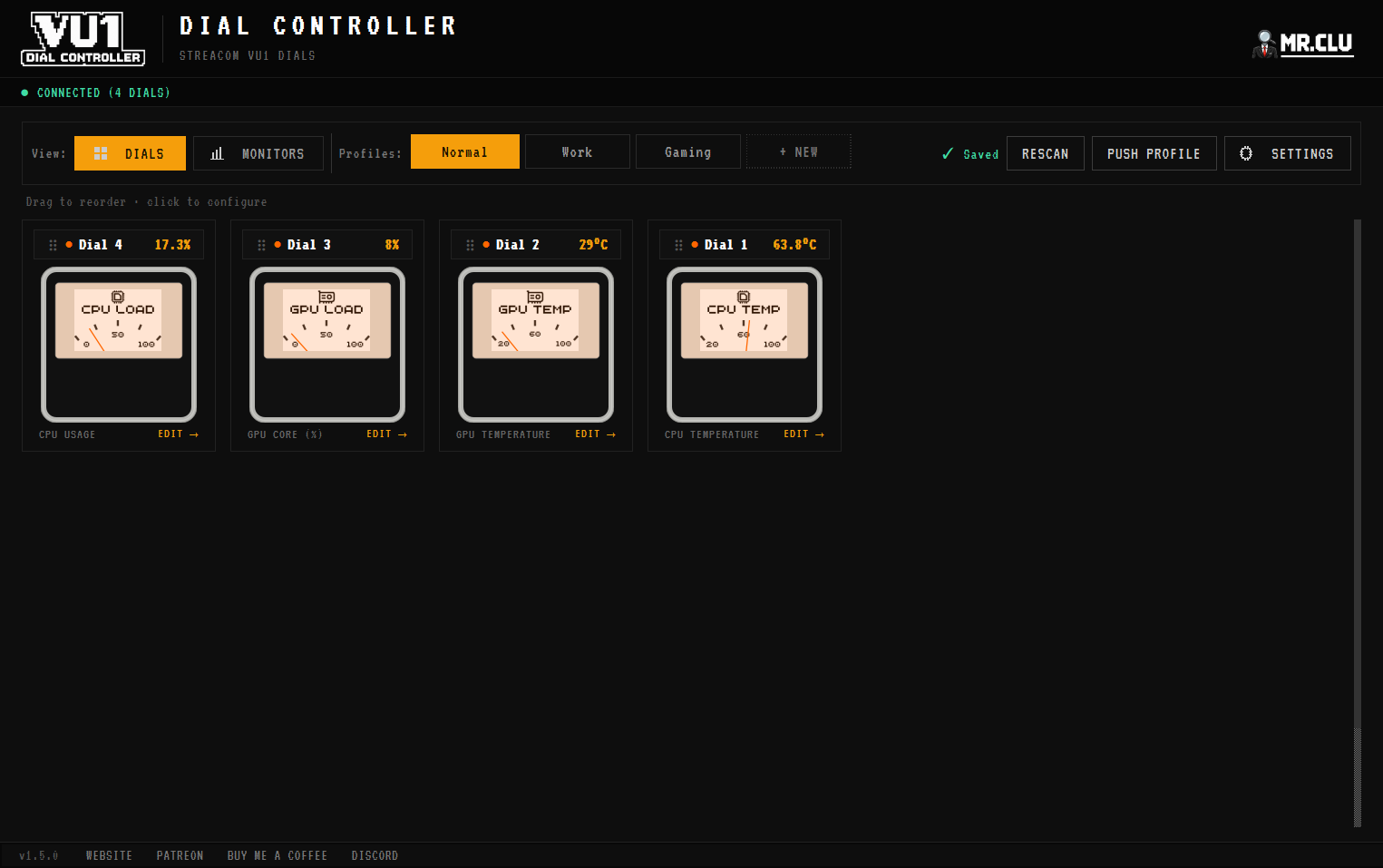
> Setting it up_
01 Select a dial and choose the audio visualiser as its source instead of a hardware sensor.
02 Assign the band: bass, mid or treble. Repeat for the other dials.
03 Play music. The needles follow the frequency energy in real time.
> Save it as a profile_
Save the visualiser configuration as its own profile. With the rules engine you can even switch to it automatically when your music app is running and fall back to hardware monitoring when it closes. Pair it with custom dial faces, like a retro dB scale.