
Spec Card Generator is a small free Windows app that does one job: it reads your hardware and renders it as a card image you can post. Open it, wait a few seconds for detection, pick a theme, save or copy. That's the entire manual.
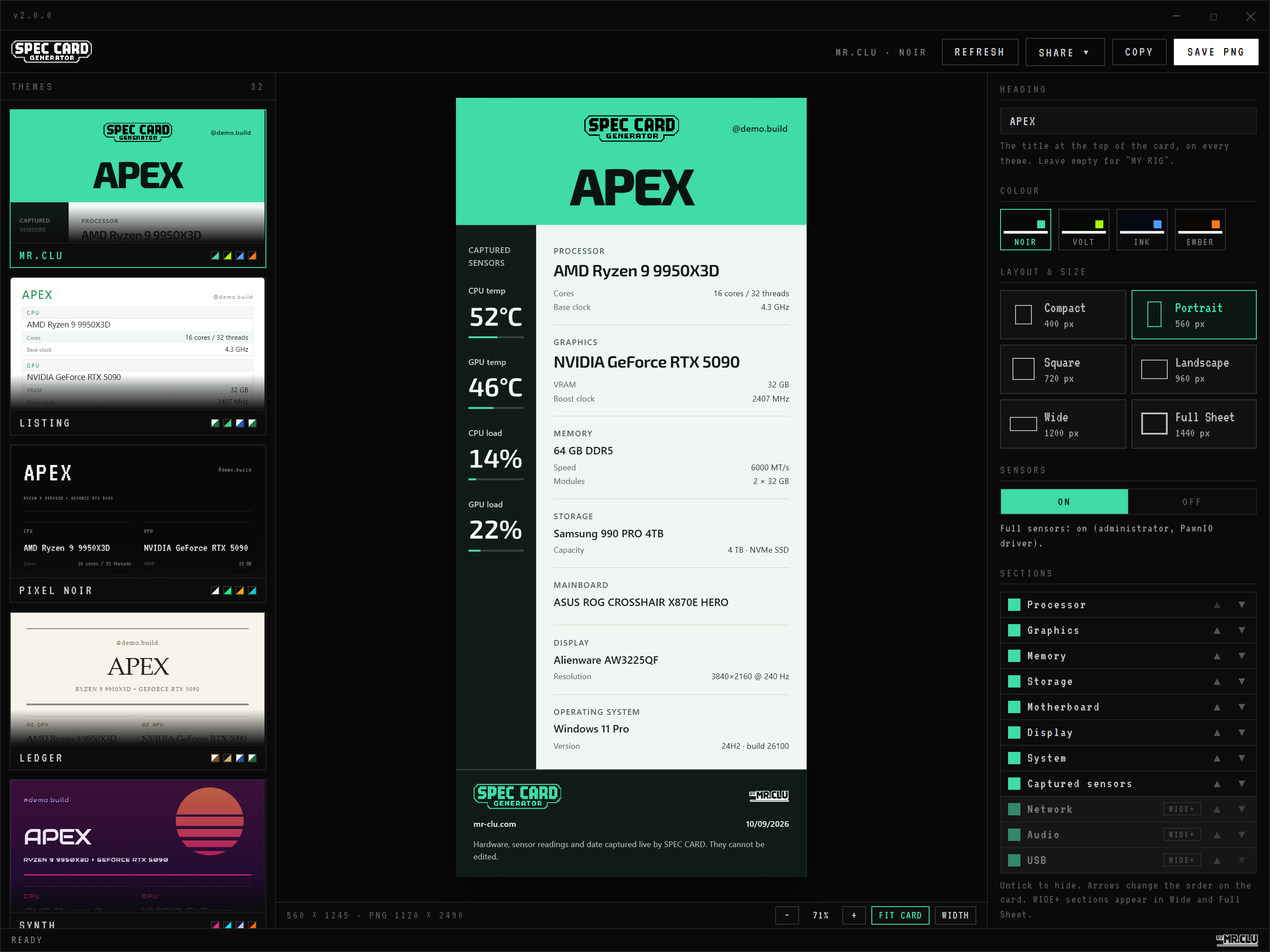
> What it detects_
CPU, GPU, RAM, storage, motherboard, display and OS come in automatically through standard Windows APIs, no admin rights needed. Wide and Full Sheet include extended details such as CPU cache, memory modules, network adapters, audio devices and USB peripherals. Full sensors require administrator access and the optional PawnIO driver. Sections can be hidden or reordered.
> 32 themes, 128 colour variants_
MR.CLU is the default, with a green masthead, light hardware column and dark sensor rail. Sticker, Matrix, Circuit, Racing, Monolith and Arcade take different approaches. All 32 themes have four colour variants and six layouts. The images here are example builds with illustrative sensor readings.
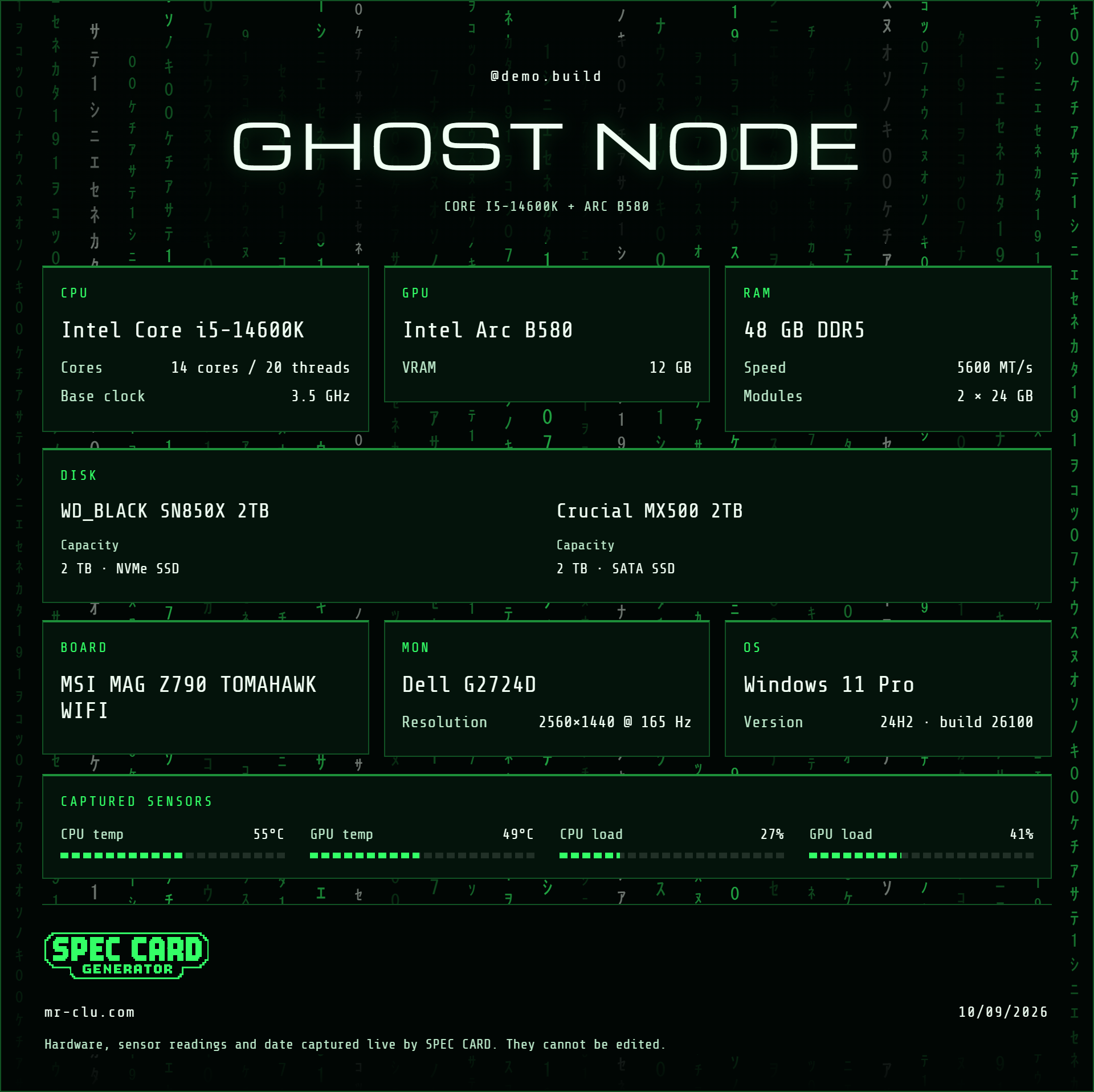
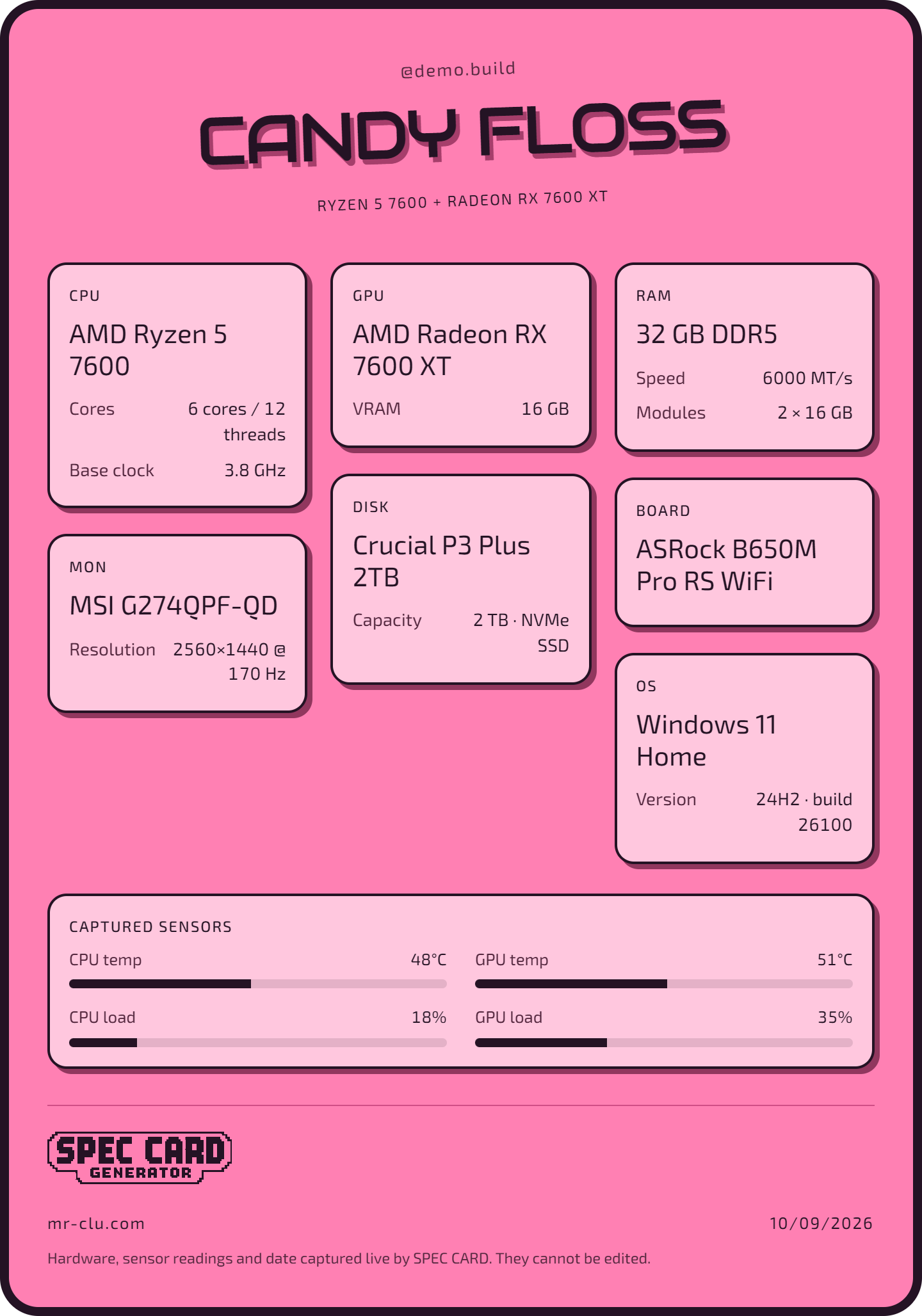
> Getting the card out_
Save as a high-resolution PNG, copy straight to the clipboard, or use the share buttons for Reddit, X, Facebook, Instagram and Discord. Detection and rendering happen on your machine. The app checks mr-clu.com for updates and downloads an installer when you accept one.
Common uses: sharing on Reddit and Discord and selling your PC.